


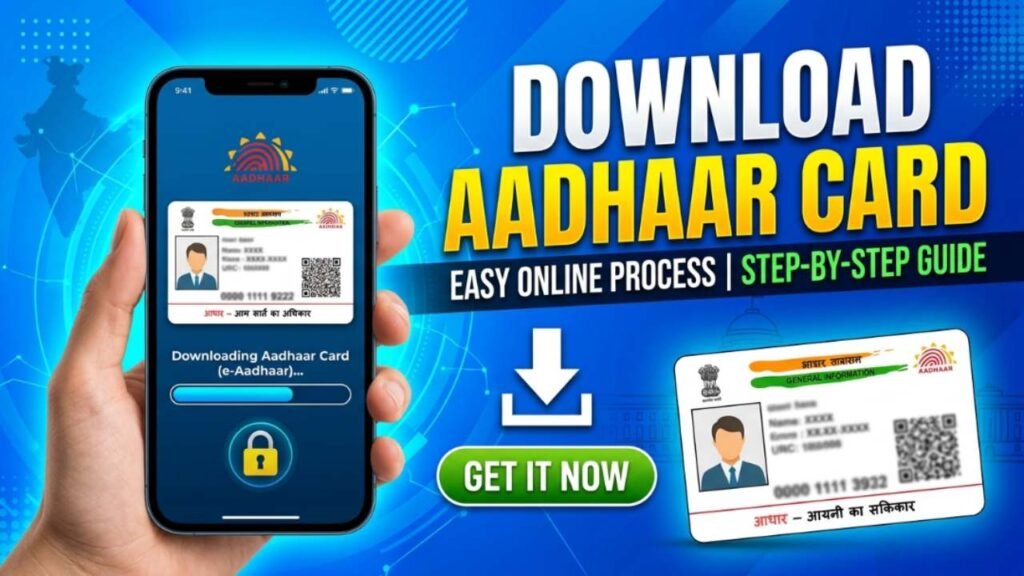
Aadhaar is one of the most important identity documents for Indian residents. Issued by the Unique Identification Authority of India, Aadhaar is widely used for banking, government schemes, mobile SIM verification, PAN linking, passport applications, and many other services. If your Aadhaar card is lost, damaged, or you simply need a digital copy, you can easily download your e-Aadhaar online.
The e-Aadhaar is a password protected digital version of your Aadhaar card that is equally valid as the physical card. Citizens can download it anytime using their Aadhaar number, Enrolment ID (EID), or Virtual ID (VID) through the official UIDAI portal.
What is e-Aadhaar?
e-Aadhaar is an electronically generated PDF version of your Aadhaar card issued by UIDAI. It contains the same details as the physical Aadhaar card, including:
- Aadhaar number
- Name
- Date of birth
- Gender
- Address
- QR code for verification
The downloaded e-Aadhaar can be used as a valid proof of identity and address.
Requirements for Aadhaar Download
Before downloading your Aadhaar card, keep the following ready:
- Aadhaar Number, EID, or VID
- Mobile number linked with Aadhaar
- Internet connection
- OTP access on your registered mobile number
Steps to Download Aadhaar Card Online
Visit the Official UIDAI Website
Open the official UIDAI Portal and navigate to the “Download Aadhaar” section.
Enter Aadhaar Details
Choose one of the available options:
- Aadhaar Number
- Enrolment ID (EID)
- Virtual ID (VID)
Enter the selected number along with the captcha code displayed on the screen.
Verify with OTP
Click on “Send OTP” and enter the one time password received on your registered mobile number.
Download e-Aadhaar
After successful verification, click on the download option. Your e-Aadhaar PDF file will be downloaded to your device.
Open the Aadhaar PDF
The downloaded PDF is password protected. To open it, enter:
- First four letters of your name in CAPITAL letters
- Followed by your birth year
Example:
If your name is Rahul Kumar and your birth year is 1998, the password will be:
RAHU1998
How to Download Aadhaar Without Aadhaar Number
If you have forgotten your Aadhaar number, you can retrieve it through the UIDAI portal using your registered mobile number and then proceed with the download process.
Benefits of e-Aadhaar
- Available anytime online
- Accepted as a valid Aadhaar document
- Useful if the physical card is lost
- Easy to store on mobile and computer
- Contains secure QR code verification
Common Problems While Downloading Aadhaar
- Mobile number not linked with Aadhaar
- Incorrect Aadhaar details entered
- OTP not received
- Forgotten Aadhaar number
- Internet connectivity issues
In such cases, users can visit a nearby Aadhaar Enrollment Center for assistance.
Conclusion
Downloading an Aadhaar card online is a quick and simple process that can be completed within a few minutes. By using your Aadhaar number, EID, or VID and completing OTP verification, you can easily access your e-Aadhaar anytime. Keeping a digital copy of your Aadhaar card ensures that you always have access to this important identity document whenever needed.