


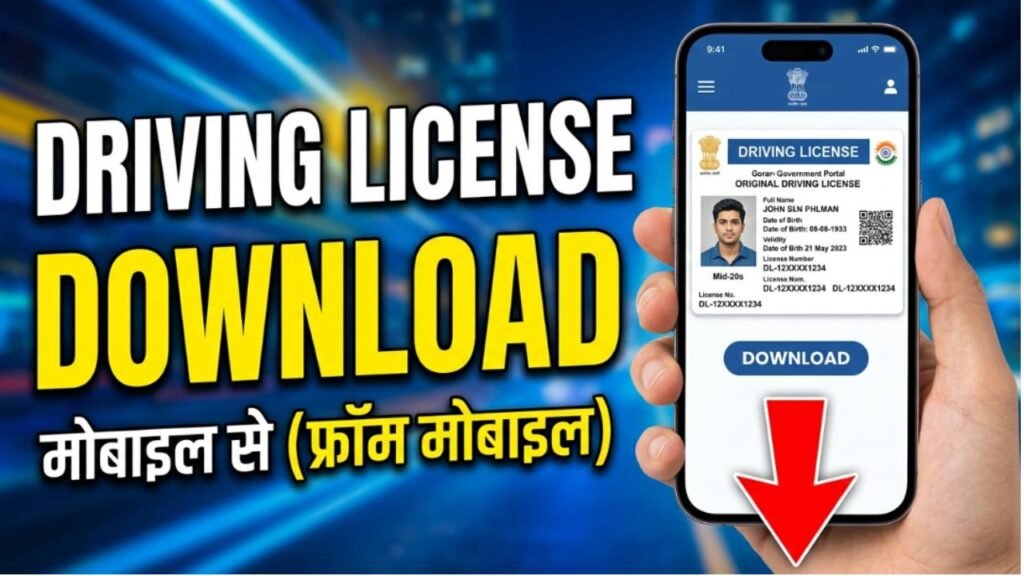
A Driving License is one of the most important documents for vehicle owners in India. It serves as legal permission to drive on public roads and is also widely accepted as an identity proof. If your physical driving license is lost, damaged, or unavailable, you can easily download a digital copy online through government platforms.
The Government of India provides online services that allow citizens to download and access their driving license anytime using their mobile phone or computer. The digital driving license is valid and can be used whenever required for verification purposes.
What is a Digital Driving License?
A digital driving license is an electronic version of your original driving license that can be stored on your smartphone or downloaded as a PDF. It contains all important details, including:
- Driving License Number
- Name of the License Holder
- Date of Birth
- Vehicle Categories
- Validity Details
- Issuing Authority
The digital version is considered valid under Indian regulations when accessed through approved government platforms.
Requirements Before Downloading
Before downloading your driving license, keep the following details ready:
- Driving License Number
- Registered Mobile Number
- Date of Birth
- Internet Connection
How to Download Driving License Online
Visit the Parivahan Portal
Open the official Parivahan Sewa Portal and navigate to the driving license services section.
Select Your State
Choose your state from the list and access the driving license-related services.
Enter License Details
Provide the required information such as:
- Driving License Number
- Date of Birth
- Other verification details if requested
Verify Information
Complete the verification process and confirm your details.
Download Driving License
After successful verification, download the available digital copy or proceed to access the license through approved platforms.
Download Driving License Through DigiLocker
You can also download and store your driving license using DigiLocker.
Steps include:
- Log in to DigiLocker.
- Select Driving License under issued documents.
- Choose your state transport department.
- Enter your driving license number.
- Fetch and save the document.
Download Driving License Through mParivahan
Another option is the mParivahan app.
The app allows users to:
- Access digital driving licenses
- View vehicle information
- Store transport documents digitally
Benefits of Digital Driving License
- Available anytime on mobile devices
- Accepted by traffic authorities
- No need to carry physical copies
- Easy verification through QR code
- Secure storage of documents
Common Issues While Downloading
- Incorrect driving license number
- Mobile number mismatch
- State records not updated
- Server maintenance on the portal
Ensure all details are entered correctly to avoid download errors.
Conclusion
Downloading a driving license online is a simple and convenient process. Whether you use the Parivahan portal, DigiLocker, or mParivahan, you can access your driving license digitally within minutes. Keeping a digital copy on your phone ensures that your license is always available whenever needed for travel, verification, or official purposes.