A PF Passbook is an important document for Employees’ Provident Fund (EPF) members. It contains details of monthly contributions made by both the employee and employer, along with the available PF balance and interest credited to the account. Regularly checking your PF passbook helps you track your savings and verify that contributions are being deposited correctly.
The Employees’ Provident Fund Organisation (EPFO) provides an online facility that allows members to view and download their PF passbook anytime from home. This eliminates the need to visit EPFO offices and makes it easy to monitor your retirement savings.
Advertisements
What is a PF Passbook?
A PF Passbook is a digital statement that shows:
Employee contributions
Employer contributions
Pension contributions
Interest credited by EPFO
Total PF balance
It serves as an official record of all transactions in your EPF account.
Requirements to View PF Passbook
Before accessing your PF passbook, ensure that:
Your UAN is activated
Mobile number is linked with UAN
Aadhaar is linked with your EPF account
Your EPFO account is active
Advertisements
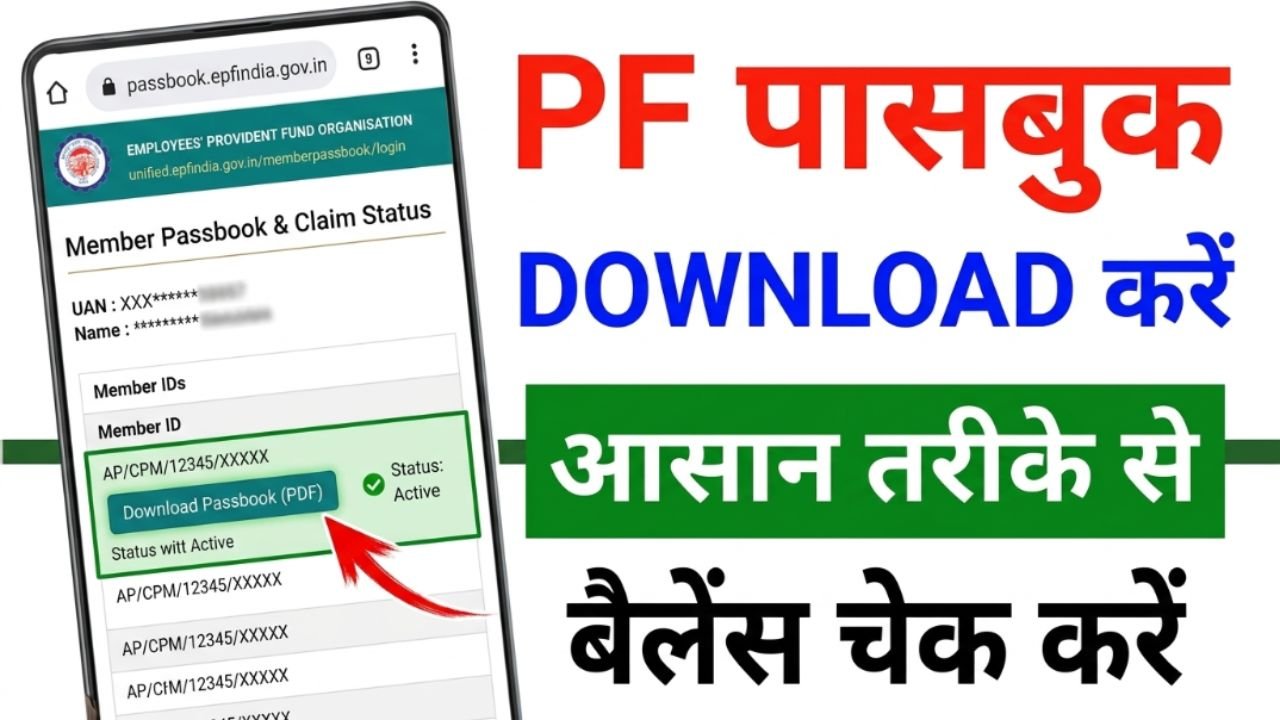
Steps to Download PF Passbook Online
Visit the EPFO Passbook Portal
Open the official EPFO Passbook portal and proceed to the member login page.
Login with UAN
Enter your Universal Account Number (UAN), password, and captcha code to sign in.
Select Member ID
After logging in, choose the Member ID for which you want to view the passbook.
View PF Passbook
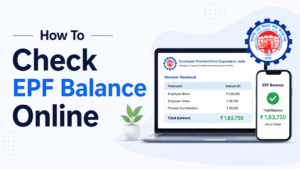
The passbook will display contribution details, interest entries, and current PF balance.
Download the Passbook
Click on the download option to save the PF passbook as a PDF file for future reference.
How to Check PF Balance Through UMANG App
Members can also check their PF balance and passbook details using the UMANG app. Simply log in, select EPFO services, and access your passbook information.
Benefits of Checking PF Passbook
Track monthly PF contributions
Verify employer deposits
Monitor PF balance growth
Identify any missing contributions
Maintain records for financial planning
Common Issues While Accessing PF Passbook
UAN not activated
Incorrect password
Aadhaar not linked
Recently activated UAN (passbook may take time to appear)
EPFO server maintenance
If your passbook is unavailable, wait for some time and try again later.
Conclusion
Downloading a PF passbook online is a simple way to keep track of your EPF savings and contribution history. By logging in with your UAN on the EPFO portal, members can view and download their passbook within minutes, making it easier to manage retirement funds and verify account transactions.