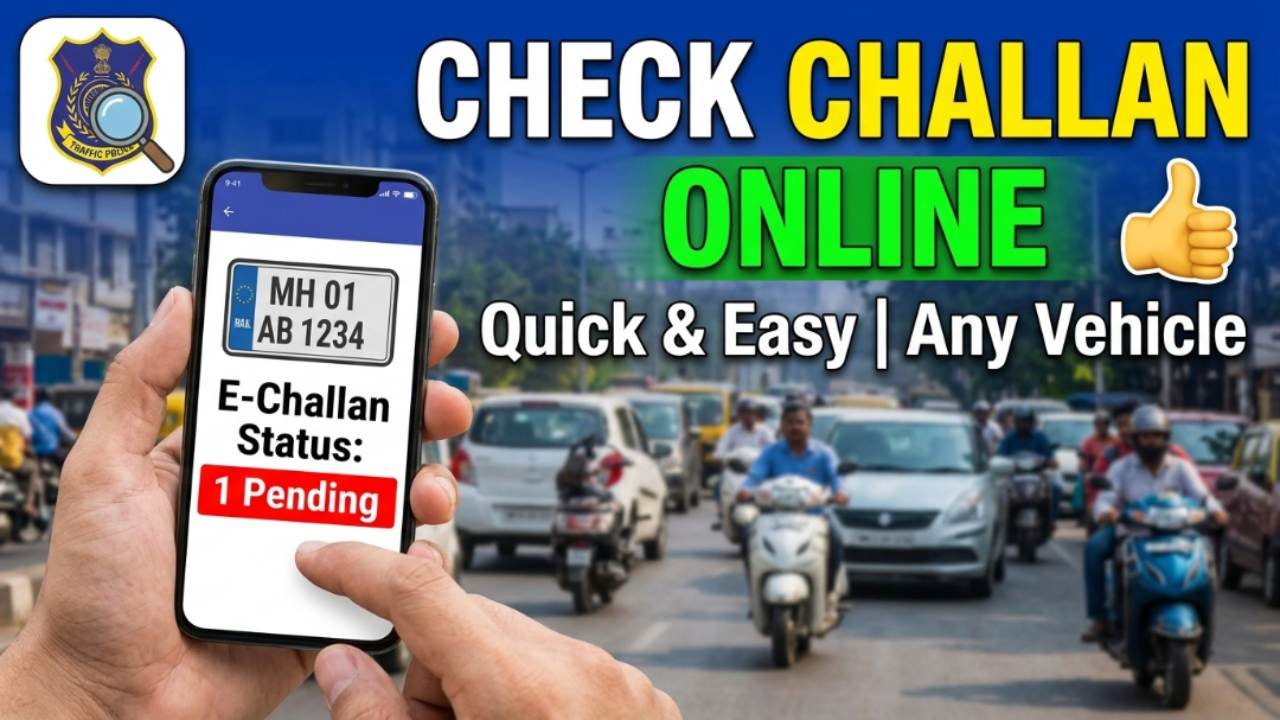
Traffic challans are issued when a vehicle owner or driver violates traffic rules such as overspeeding, signal jumping, driving without a helmet, or parking in restricted areas. With the introduction of e-Challan systems across India, traffic violations are now recorded digitally, making it easy for vehicle owners to check and pay challans online.
Checking your challan status regularly helps you avoid penalties, additional fines, and legal issues. The process can be completed online in just a few minutes using your vehicle number, challan number, or driving license details.
What is an e-Challan?
An e-Challan is an electronic traffic fine issued by traffic police for violating road safety rules. The challan details are stored digitally and can be accessed online through official government portals.
Common reasons for receiving a challan include:
- Overspeeding
- Jumping traffic signals
- Driving without a helmet
- Driving without a seat belt
- Wrong parking
- Using a mobile phone while driving
- Driving without valid documents
Details Required to Check Challan
You can check your challan status using any of the following:
- Vehicle Registration Number
- Challan Number
- Driving License Number
Steps to Check Challan Status Online
Visit the Official e-Challan Portal
Open the official Parivahan e-Challan Portal.
Select “Check Challan Status”
On the homepage, click on the “Check Challan Status” option.
Enter Required Information
Choose one of the available options:
- Challan Number
- Vehicle Number
- Driving License Number
Enter the required details along with the captcha code.
View Challan Details
Click on “Get Details” to view:
- Challan number
- Violation details
- Date of violation
- Fine amount
- Payment status
How to Pay Challan Online
If a challan is pending, you can pay it online by:
- Clicking on the pending challan.
- Selecting the payment option.
- Completing payment using UPI, debit card, credit card, or net banking.
- Downloading the payment receipt after successful payment.
Benefits of Checking Challan Online
- Instant access to challan information
- Easy online payment facility
- Avoids additional penalties
- Helps maintain clean vehicle records
- Saves time and effort
Common Reasons Why Challan May Not Appear
- Recent violation not yet updated
- Incorrect vehicle number entered
- Server maintenance on the portal
- Payment already processed
In such cases, try checking again after some time.
Conclusion
Checking traffic challan status online is a quick and convenient way to stay informed about pending fines and traffic violations. By using the official e-Challan portal, vehicle owners can view challan details, make payments, and keep their records updated without visiting traffic police offices. Regularly checking your challan status can help you avoid penalties and ensure compliance with traffic rules.