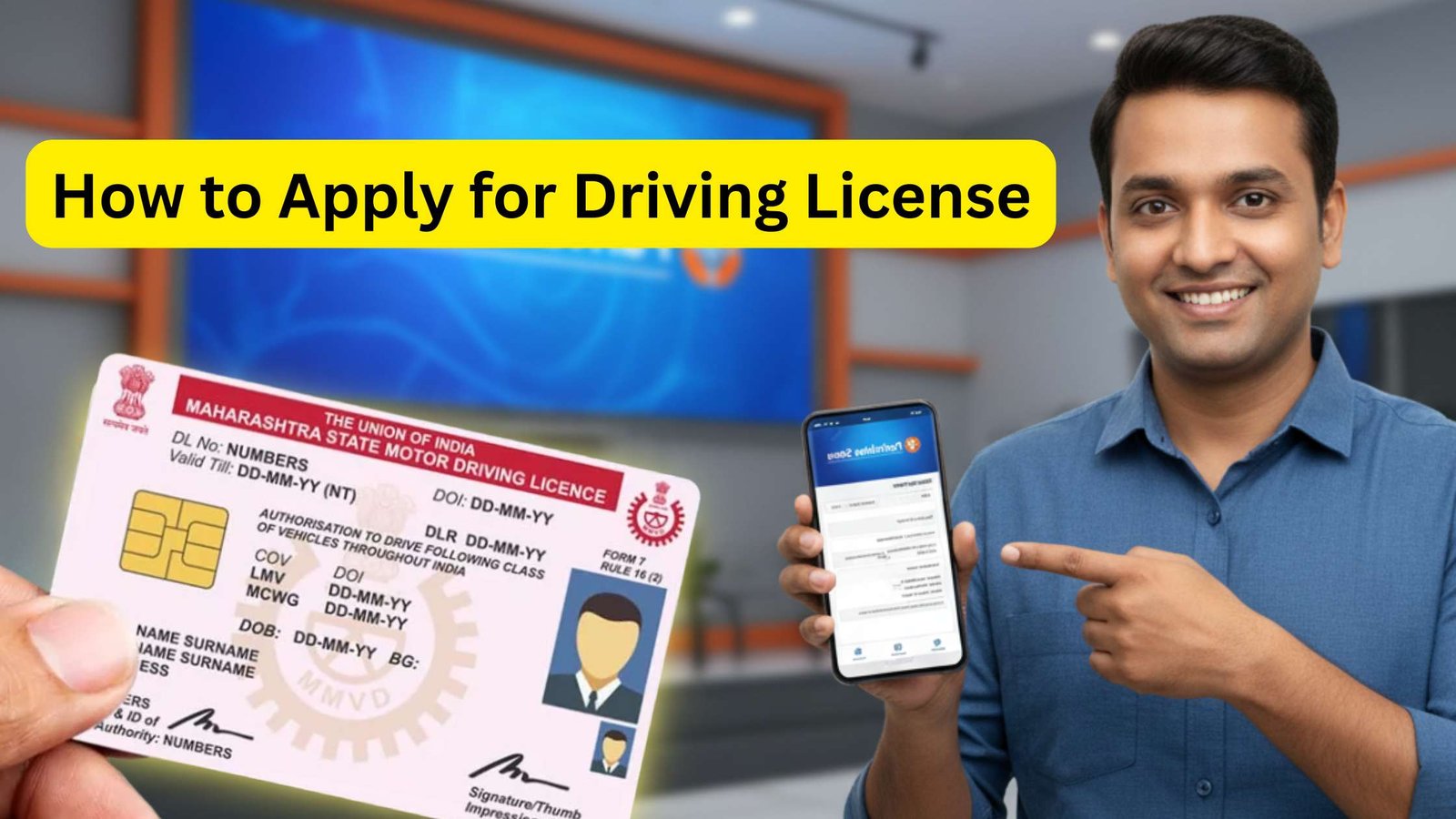
A driving license is an important document that allows a person to legally drive vehicles on public roads in India. It is required for riding bikes, scooters, cars, and other vehicles. Apart from legal driving permission, a driving license also works as a valid identity proof for many official and financial purposes.
Earlier, the application process was lengthy and required multiple visits to the RTO. Now, with the online services available on the Parivahan Sewa Portal, people can easily apply for a learner’s license or permanent driving license from home. The online process helps save time and makes the application procedure simple and convenient.
Benefits of Having a Driving License
A driving license is not only required for driving legally but also works as a valid identity proof in many places. It is useful for banking, travel, hotel verification, and government related services. A valid license also helps avoid traffic fines and legal issues.
Documents Required for Driving License
Before applying online, keep these documents ready:
- Aadhaar Card
- Address proof
- Age proof
- Passport size photograph
- Mobile number
- Learner’s License number (for permanent license)
In many states, Aadhaar based verification is available for faster processing.
Steps to Apply for Driving License Online
1. Visit the Official Website
Go to the official Parivahan Sewa Portal operated by the Ministry of Road Transport and Highways.
2. Select Your State
Choose your state from the homepage. Different states may have slightly different procedures and appointment availability.
3. Apply for Learner’s License
If you do not already have a learner’s license, first apply for one online. Fill in your personal details, upload documents, and complete the learner’s license test.
4. Fill the Driving License Application Form
After getting the learner’s license, select the option to apply for a permanent driving license. Enter your details carefully including:
- Name
- Date of birth
- Address
- Learner’s license number
- Vehicle category
5. Upload Documents
Upload scanned copies of required documents if requested. Make sure the files are clear and readable.
6. Book a Driving Test Appointment
Choose a nearby RTO and book an appointment for your driving test according to the available dates and time slots.
7. Pay the Application Fee
Complete the payment using UPI, debit card, credit card, or net banking. The fee may vary depending on the vehicle category and state rules.
8. Visit the RTO for Driving Test
On the selected date, visit the RTO with original documents and appear for the driving test. If you pass the test successfully, your driving license will be approved.
9. Download Driving License Online
Once issued, you can download your digital driving license through apps like DigiLocker or mParivahan.
Common Mistakes to Avoid
- Entering incorrect personal details
- Uploading unclear documents
- Missing the driving test appointment
- Applying with invalid learner’s license details
Always verify your information carefully before submission.
Conclusion
Applying for a driving license online has made the process much faster and easier. From filling out forms to booking the driving test, most steps can now be completed from home. A valid driving license is essential for safe and legal driving in India, so completing the application process correctly is very important.