Withdrawing your Provident Fund (PF) balance online is becoming easier as the Employees’ Provident Fund Organisation (EPFO) continues to digitise its services. However, one important update is that direct PF withdrawal through UPI apps such as Google Pay, PhonePe or Paytm is not currently available as a general withdrawal option.
Recent government information says that UPI-based EPF withdrawal is under consideration, while EPFO already supports digital claim filing through its online services and UMANG.
Can You Withdraw PF Directly Through UPI Apps?
At present, you cannot simply open a UPI app, enter your UAN and transfer your PF balance to your bank account. Apps such as Google Pay, PhonePe and Paytm are payment platforms; they do not currently replace the official EPFO claim process.
Instead, you need to submit your PF withdrawal claim through the official EPFO Member Portal or UMANG. Once the claim is approved, EPFO transfers the eligible amount to the bank account linked with your PF records.
What Is the Latest PF Withdrawal Update?
EPFO has been introducing several digital improvements to make claims faster and easier. The government has also announced reforms allowing eligible members to withdraw up to 75% of their EPF balance under applicable rules.
At the same time, EPFO’s current member portal states that services are being restored and processed in phases following a major database consolidation and software upgrade. Therefore, some members may experience delays or temporary service issues while submitting claims.
How To Withdraw PF Online
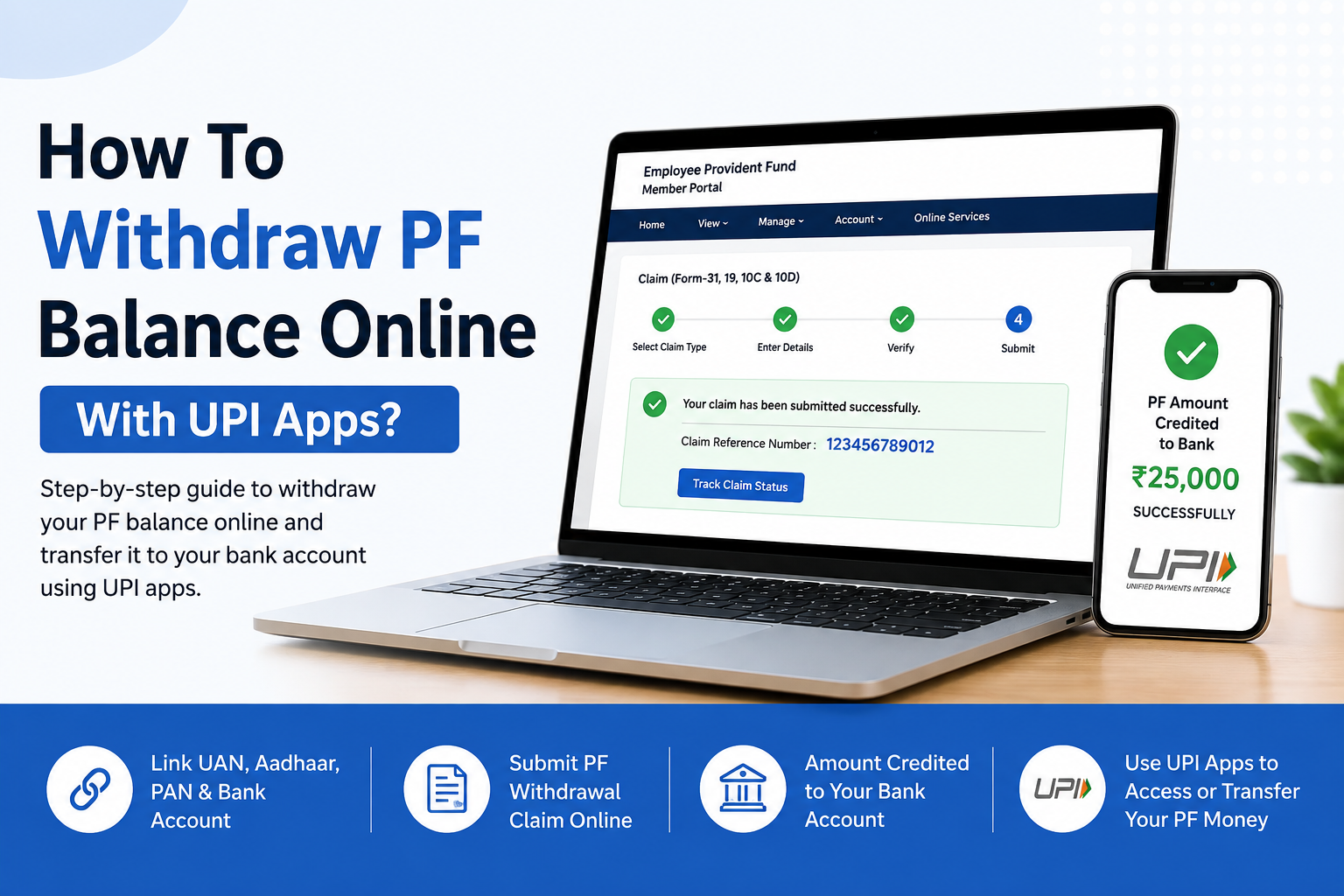
- Step 1: Make sure your UAN is active and your Aadhaar, PAN and bank account details are correctly linked with your EPFO account.
- Step 2: Ensure that your mobile number is registered with your UAN because you may need it for authentication.
- Step 3: Visit the official EPFO Member Portal and log in using your UAN, password and captcha.
- Step 4: Open the Online Services section and select the option to submit a PF claim.
- Step 5: Check your personal information and bank account details carefully before proceeding.
- Step 6: Choose the appropriate claim type, such as PF Final Settlement or an eligible PF Advance.
- Step 7: Enter the requested information and complete the required authentication.
- Step 8: Submit your withdrawal request and save the claim reference number for future tracking.
- Step 9: EPFO will review and process your application. You can check the claim status through the available EPFO services.
- Step 10: Once the claim is approved, the eligible PF amount will be transferred directly to your registered bank account.
Can UPI Be Used After PF Withdrawal?
Yes, once your PF money reaches your bank account, you can use any supported UPI application to access or transfer those funds. For example, you can use Google Pay, PhonePe, Paytm or another UPI-enabled app linked to the same bank account.
However, this is different from withdrawing PF directly through UPI. The EPFO claim still has to be processed through the official system unless and until EPFO officially launches direct UPI withdrawal.
Can You Use UMANG To Withdraw PF?
Yes. UMANG provides access to several EPFO services, including PF-related balance and claim services. EPFO also directs members toward UMANG for certain UAN services and Aadhaar-based authentication.
Therefore, if the EPFO website is difficult to access, checking the relevant EPFO services through UMANG can be a useful alternative.
What Should You Check Before Applying?
Before submitting a claim, check that your UAN information is correct and your bank account details are updated. Also make sure your Aadhaar and other required KYC information are properly linked.
If any information is incorrect, the claim may require additional verification or may not be processed successfully.
How Long Does PF Withdrawal Take?
The processing time can vary depending on the type of claim, verification requirements and EPFO’s current workload. EPFO has recently advised members that claims and service requests may take longer than usual during its post-migration stabilisation period.
Consequently, repeatedly submitting the same claim is not recommended. Instead, check the claim status through the official EPFO services.
Final Update
You cannot currently withdraw your PF balance directly through Google Pay, PhonePe or another UPI app as a normal EPFO withdrawal method. The correct approach is to submit an eligible claim through EPFO’s official online services or UMANG. After approval, the money is credited to your registered bank account, which you can then use through UPI.
Because EPFO is actively upgrading its digital services and UPI-based withdrawal has been discussed as a future facility, the process may change. Always check the official EPFO portal for the latest availability before submitting your claim.